

How to verify a website?
Where can you find the verification section?
After logging into the Linkhouse panel, go to the Publisher → My websites tab.
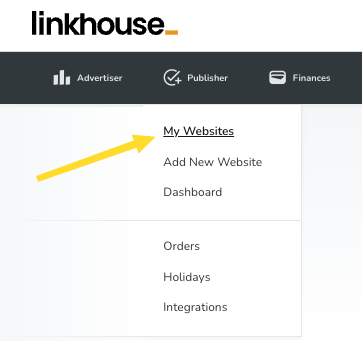
At this stage, you can check which websites have been verified and which have not.
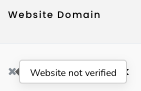
You can recognize this by the appropriate symbol in the “Website” column, on the left side of the domain address:
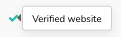

The symbol above means that your website has been successfully verified

The symbol above means that you have not yet completed the verification for this website or that the verification was unsuccessful
If you have added websites that require verification, the appropriate information will appear in two places:
After going to the Publisher → My websites tab, at the top of the page:
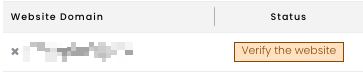
In the same view, in the “Status” column, if verification is required for any website, its status will appear as follows:
You can also access the verification section by clicking the “Website verification” button:

In the verification view, you will find a list of all your websites along with information about their current status. There are also available filters to make it easier to find specific websites — you can check which ones have already been verified, which require re-verification, and for which you have not yet started the verification process.
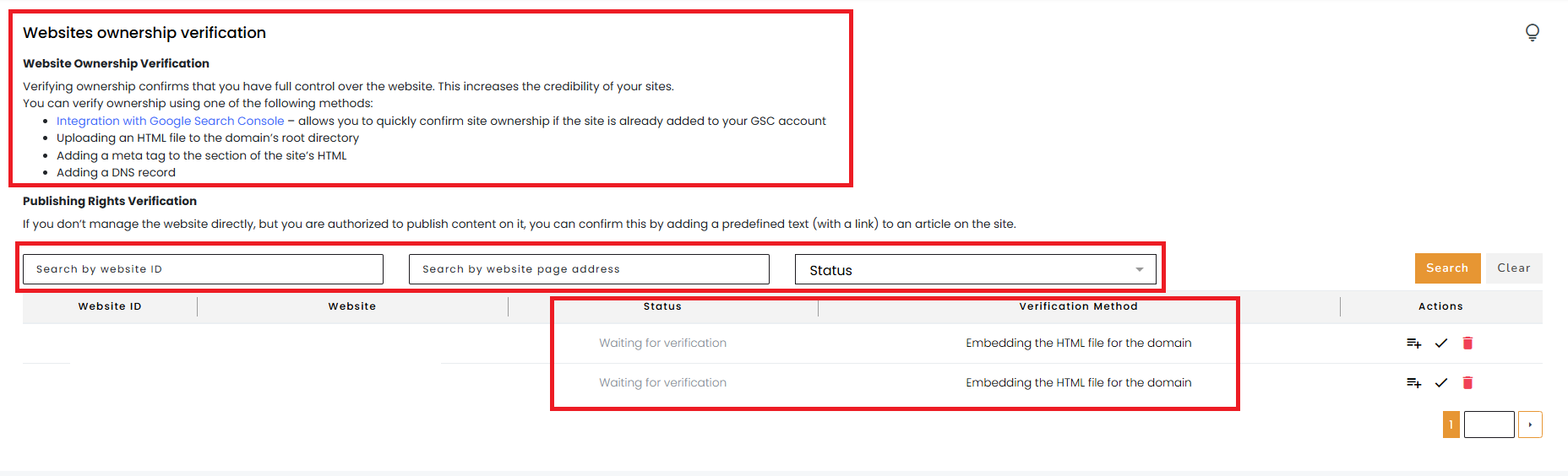
On the right side of the view, there is an “Actions” section with two available buttons:
- Change verification method – this button allows you to choose how you want to verify the website
Currently, the following options are available: - Google Search Console integration – you can complete it directly from the panel in the Publisher → Integrations section It is worth mentioning that this is the best and fastest verification method. Additionally, it helps speed up the indexing process of new content, automatically checks its indexing status, provides traffic data in the Offer Base, and makes your offer more attractive to Advertisers.
You can read more about the benefits of this integration in our article. - Uploading an HTML file to the domain – simply download the generated file and upload it to the root directory of your domain
- Adding a meta tag to the homepage HTML code – paste the generated tag into the <head> section of your homepage
- Adding a DNS record for the domain – add the generated record to your domain’s DNS zone
- Publishing specific content with a link – publish an article on your website with the generated text fragment and a link placed under the indicated anchor. Then, provide the URL of that article in the panel
- Google Search Console integration – you can complete it directly from the panel in the Publisher → Integrations section It is worth mentioning that this is the best and fastest verification method. Additionally, it helps speed up the indexing process of new content, automatically checks its indexing status, provides traffic data in the Offer Base, and makes your offer more attractive to Advertisers.
- Verify now – allows you to re-check the correctness of the previously selected verification method
After successful verification, the website receives a verified status. In the Publisher → My websites section, in the “Website” column next to the domain address, a green indicator will appear confirming that the process has been completed correctly, and the website status will change from “Verify website” to “In moderation”. From that moment, the website, along with its offers, will be submitted for further moderation and made available to Advertisers.
We encourage you to complete the verification as soon as possible — it allows for a quick confirmation of your ability to publish content on the submitted website. Additionally, it speeds up the activation of the website in the system and enables full access to the features available to Publishers in the panel.
To start the verification process, go to the following section in the Linkhouse panel:
Website ownership verification
If you have any additional questions or encounter any issues during verification, please contact us at [email protected].